RDVision Laser Cutting Control Software Operation Manual
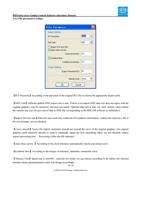
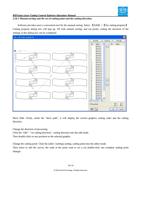
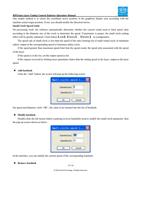
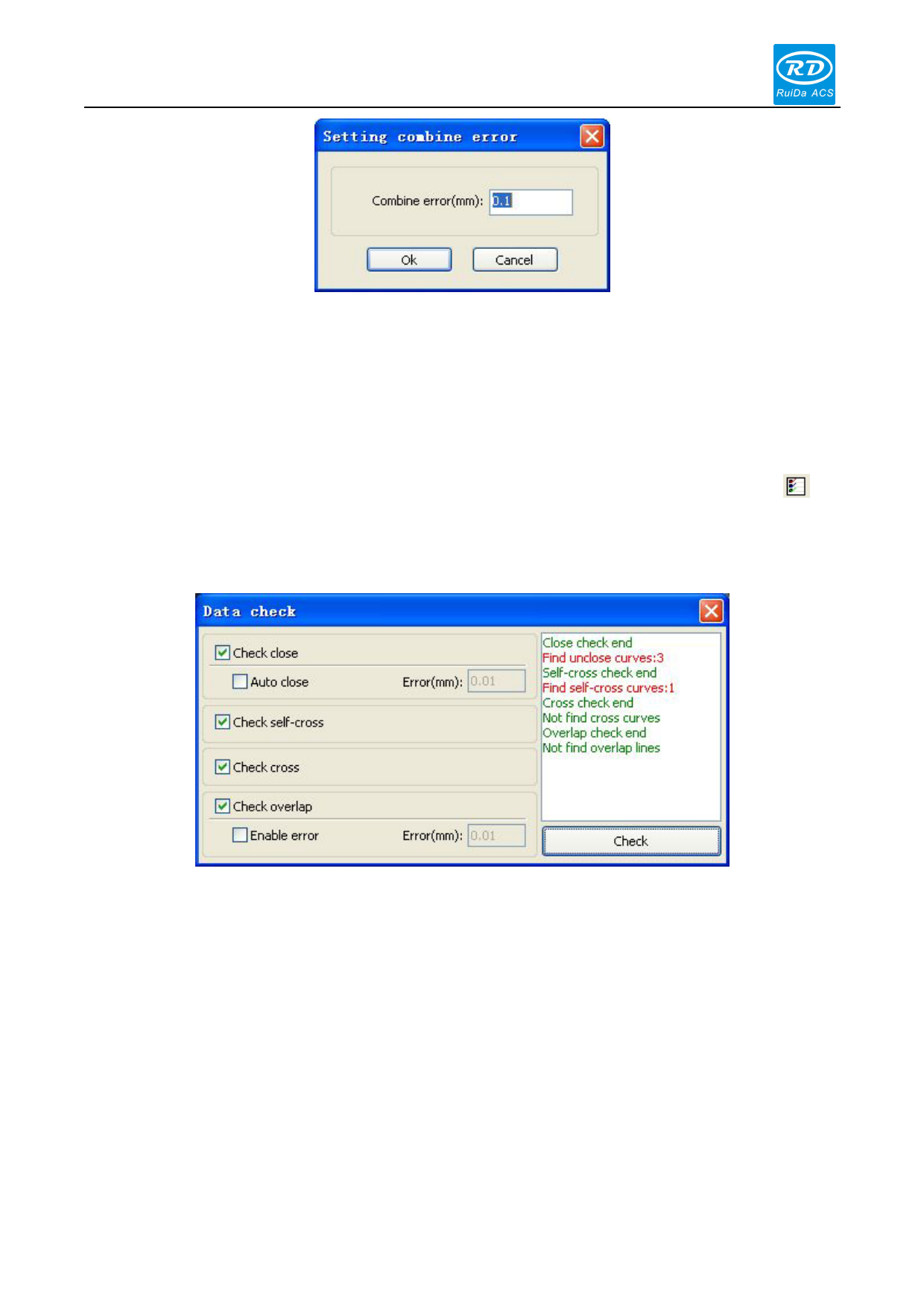
The software automatically merges curves in the selected curves, when these curves merge tolerance is less than the
setting of combine error.
2.10.6 Data Check
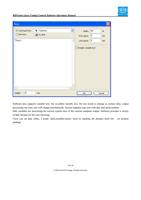
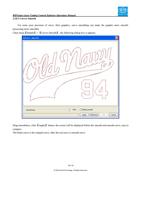
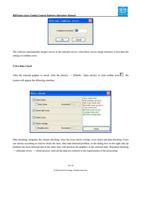
After the selected graphic to check, click the [menu] - > [Handle / [data check], or click toolbar icon , the
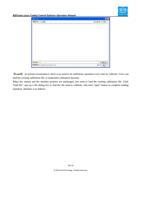
system will appear the following interface
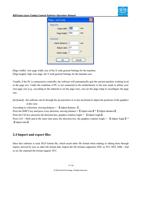
Data checking, integrates the closure checking, since the cross check overlap, cross check and data checking. Users
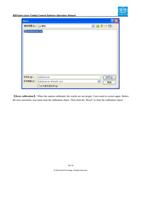
can choose according to need to check the item, after data detected problem, in the dialog box on the right side tip
problem has been detected and at the same time will question the graphics in the selected state. Repeated checking
- > eliminate errors - > check process, until all the data are conform to the requirements of the processing.
33 / 81
© 2016 Ruida Technology. All Rights Reserved.